
Approved knowledge and facts
Each workflow uses the information and checks the operation has defined for that customer contact.
ResolveDesk AI | AI contact centre
An AI frontline for contact-centre teams: resolve repeat demand through approved workflows, then hand complex cases to agents with the context already collected.
The service problem
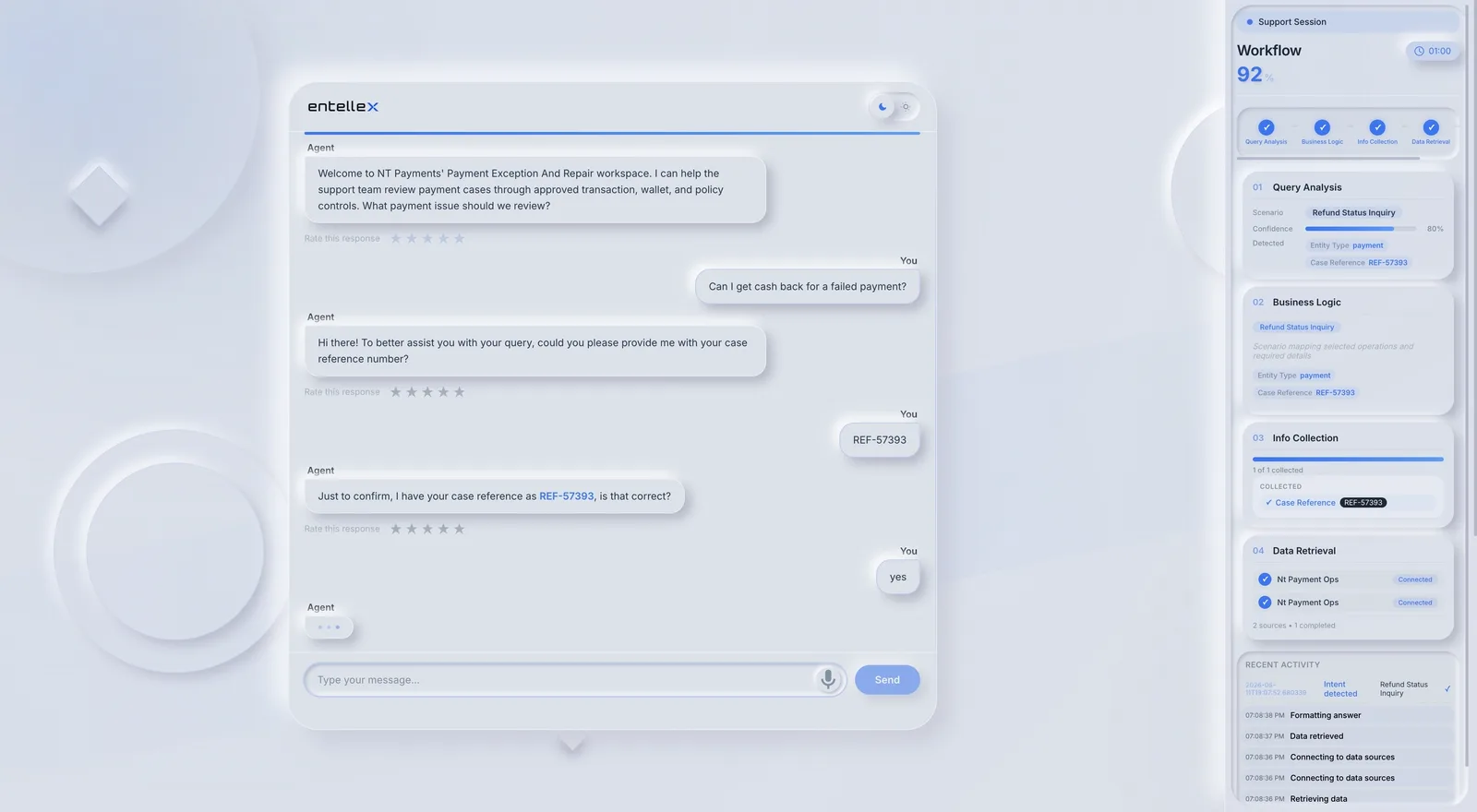
Status checks, service changes, and routine requests can consume capacity even when the operation already knows the required information or next action.
ResolveDesk follows a configured resolution path so customers receive a useful outcome and agents stay focused on the work that needs human judgement.
How it works
ResolveDesk applies Entellex controls to each contact-centre workflow. The workflow can be helpful without being free to bypass its scope.
Each workflow uses the information and checks the operation has defined for that customer contact.
ResolveDesk works through approved systems, permissions, and actions.
The work completed, the next owner, and the result stay visible to the operation.
Existing environment
ResolveDesk is evaluated across customer channels, service systems, and the business systems behind the customer journey. Your systems of record and accountable teams remain in place.
Voice, WhatsApp, chat, email, SMS, and ticketing.
CCaaS, telephony, CRM, ticketing, service desk, and knowledge.
Orders, payments, appointments, accounts, applications, and assets.
Human boundary
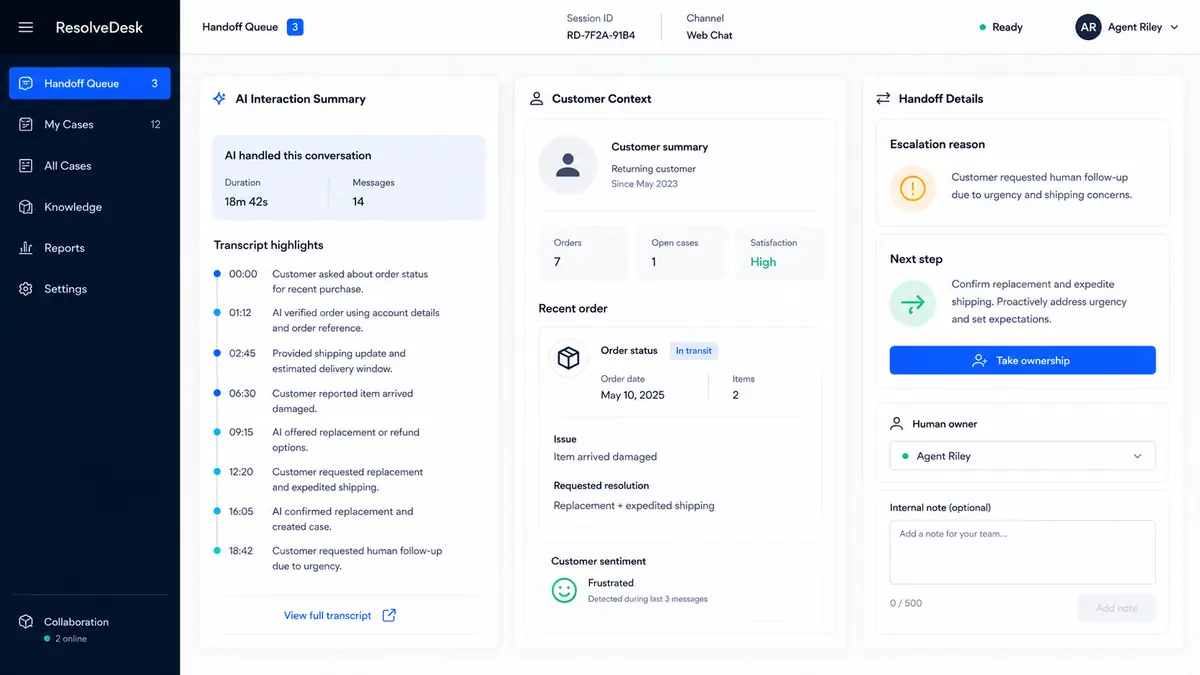
When a customer needs a person, the agent receives the context, work already completed, reason for handoff, and the next action.
Operating view
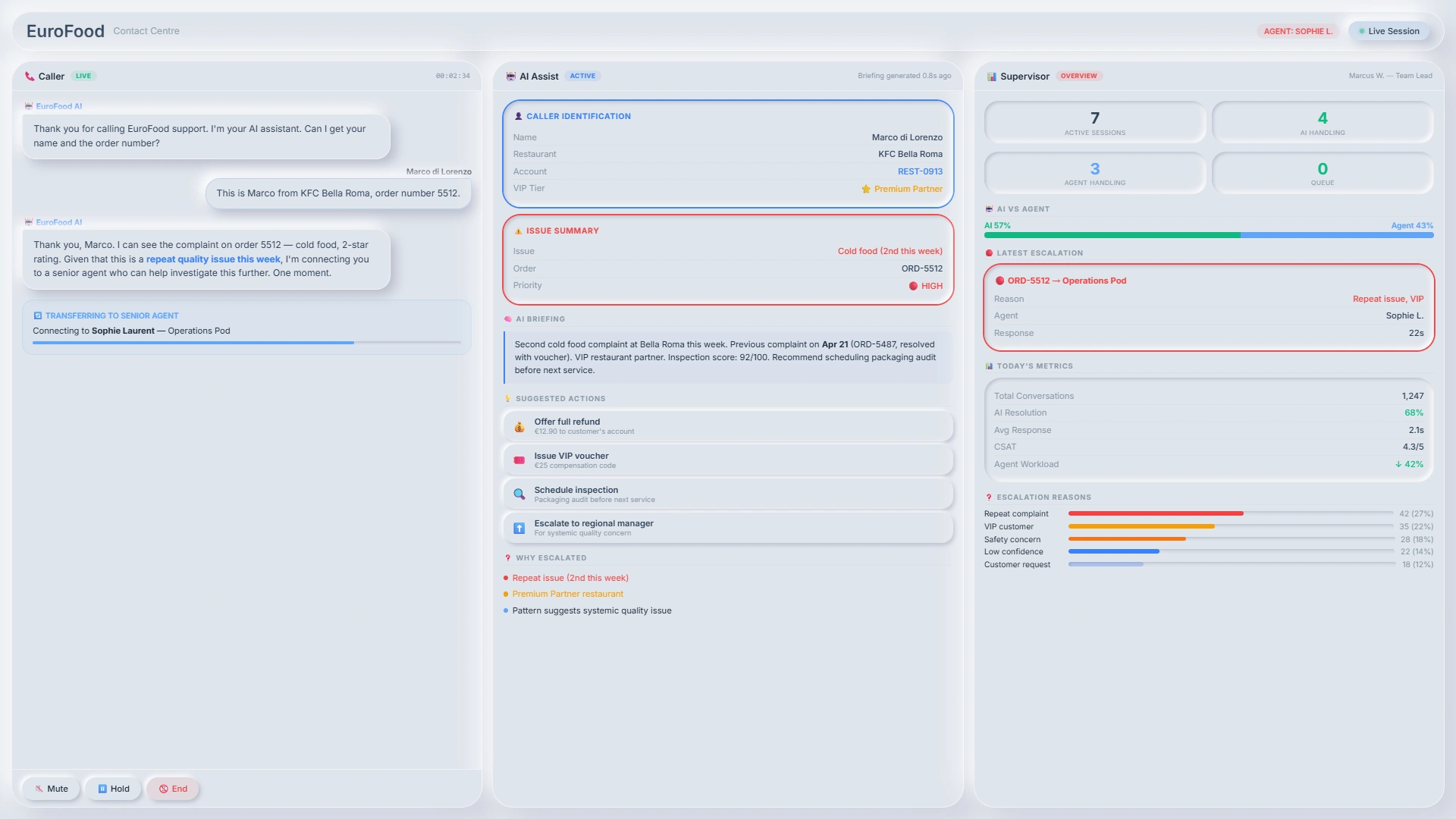
ResolveDesk makes customer demand and workflow performance visible so teams can improve the work rather than simply add capacity.
Where it fits
High daily contact volume across the service systems agents already use.
Controlled resolution, reviewable evidence, and clear human handoff for regulated service work.
Operational patient-access work while clinical judgement and urgent care remain with people.
A faster citizen path for routine requests while teams retain complex case ownership.
One support front door for employees while specialist teams focus on work that needs them.
For customer service across web, WhatsApp, kiosks, branches, and other physical front doors, see BotPlus .
First workflow
Bring the demand, systems, boundaries, human owner, and the outcome you need to measure. We will map the resolution workflow together.
Map a resolution workflow